Use Cases
AI Sprite Sheet Generator Workflows
Turn a character image into animation frames, and generate game sprites that match your existing art style.
3 workflows

The workflows
3 AI Sprite Sheet Generator Workflows



About This Workflow
What is the AI Sprite Sheet Generator?

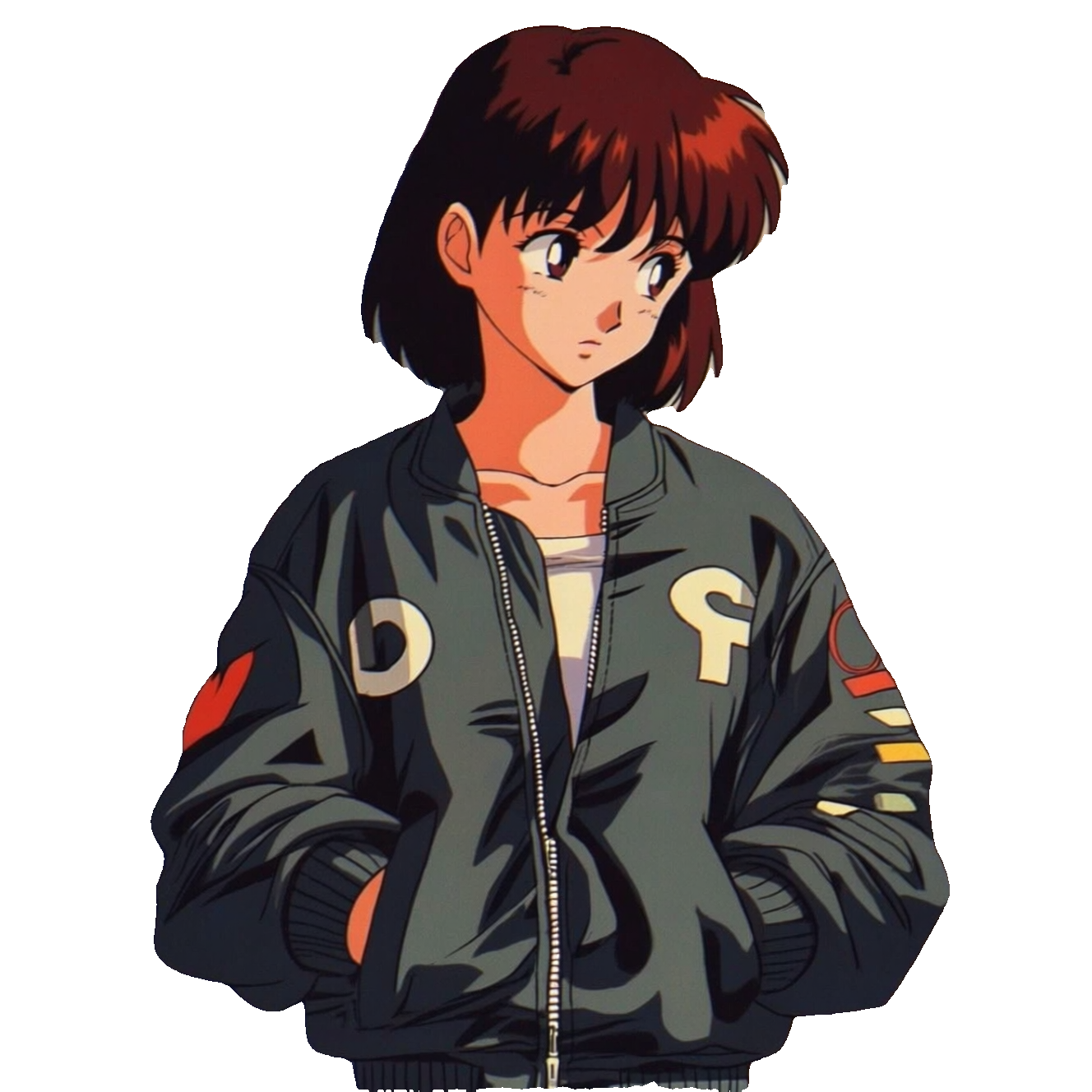
A sprite sheet packs the frames of a game animation into one image, and drawing those frames by hand is the slowest part of 2D game art. This page's workflows generate the frames for you: upload a picture of your character and the Sprite Sheet Generator returns individual frames for idle, attack, walk, and jump animations, while the Single Image to Animated Sprite Sheet workflow lays a multi-frame sequence out as a ready-to-crop sheet.
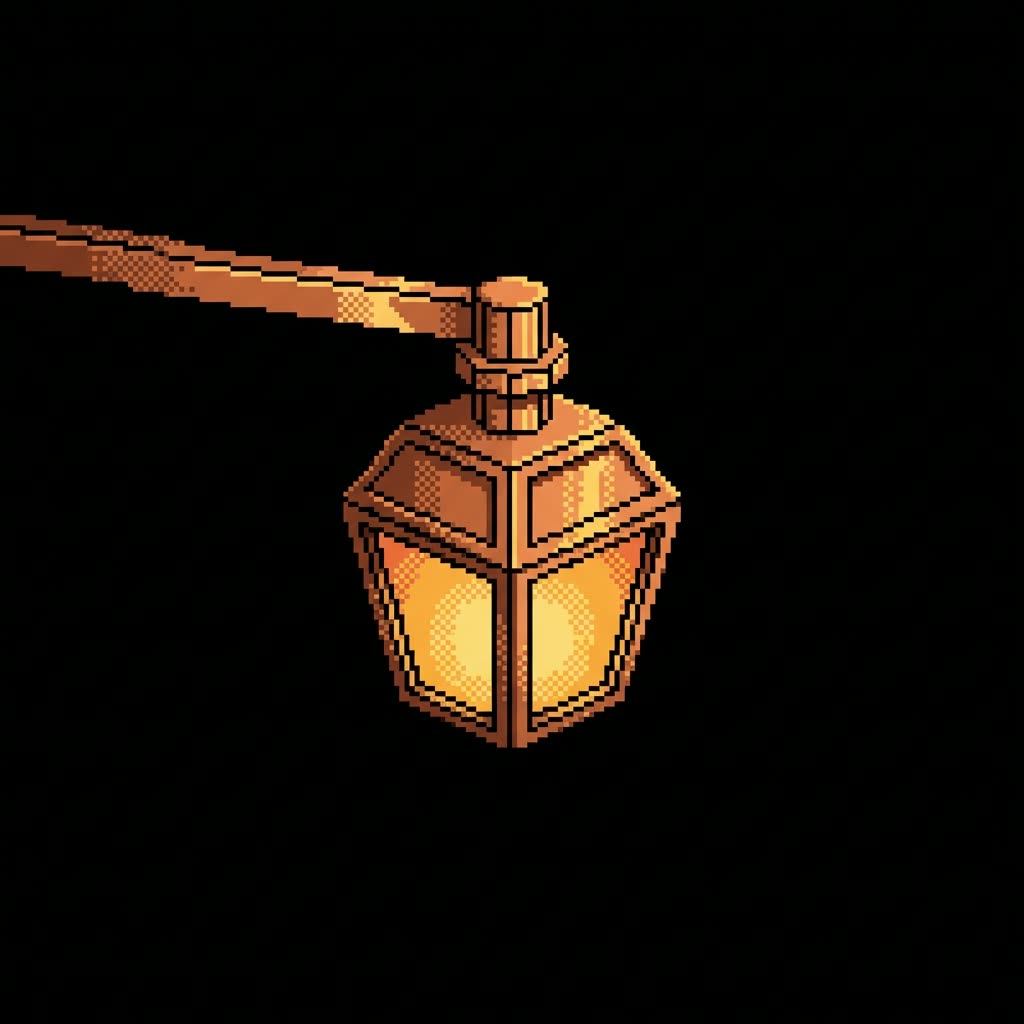
New sprites also have to sit next to the art a game already has. The Game Asset Style Transfer workflow takes an outline reference and a style reference and produces 2D sprites that match, which makes it a fast way to fill out background set dressing in a 2D or 2.5D scene without the new pieces looking pasted in.
Each generator here is an editable ComfyUI graph built on the Nano Banana image models. Run them from any browser on Comfy Cloud or inside a local ComfyUI install, swap the source image or prompt, and re-run until every frame stays on-model. Generation is quick enough that iterating on the character design costs minutes, not the days that redrawing a sheet would.
Reproducible, tunable, yours
Every step is exposed and adjustable, and the exact graph is yours to reuse across projects.
Start free. Upgrade when you’re ready.
Capabilities
What You Can Create
Generate animation frames, assembled sprite sheets, and style-matched game assets from reference images.
Style-matched sprites
Combine an outline reference with a style reference to produce new sprites that fit your existing art.
Try workflow

Background set dressing
Produce props and scenery pieces for 2D and 2.5D scenes in a consistent look.
Try workflow

Fast design iteration
Re-run generation after tweaking the source image or prompt until the whole frame set holds together.
Try workflow


 WORKS
WORKS
Connect models, processing steps, and outputs on a canvas where every decision is visible and every step is inspectable.
Start from a community template or build from scratch.

Comparison
Why Comfy Workflows
-
Editable graphs, not black boxes
Every generator is an open ComfyUI workflow, so you can change prompts, models, and frame handling instead of accepting fixed output.
-
Animation and style in one place
Frame generation and art-style matching sit on the same page, covering both new characters and assets for an existing game.
-
Cheap to iterate
A re-run takes minutes, so you fix an off-model frame by regenerating rather than repainting.
-
Cloud now, desktop when needed
ONLY ONComfyCLOUDEverything on this page opens directly on Comfy Cloud; the identical graph files also load into a desktop ComfyUI.
Applications
What people use it for
From a first playable character to filling out a scene, the page covers the sprite work a 2D game needs.




Frequently Asked Questions
AI Sprite Sheet Generator FAQ
Keep exploring
Related models and use cases to try next.