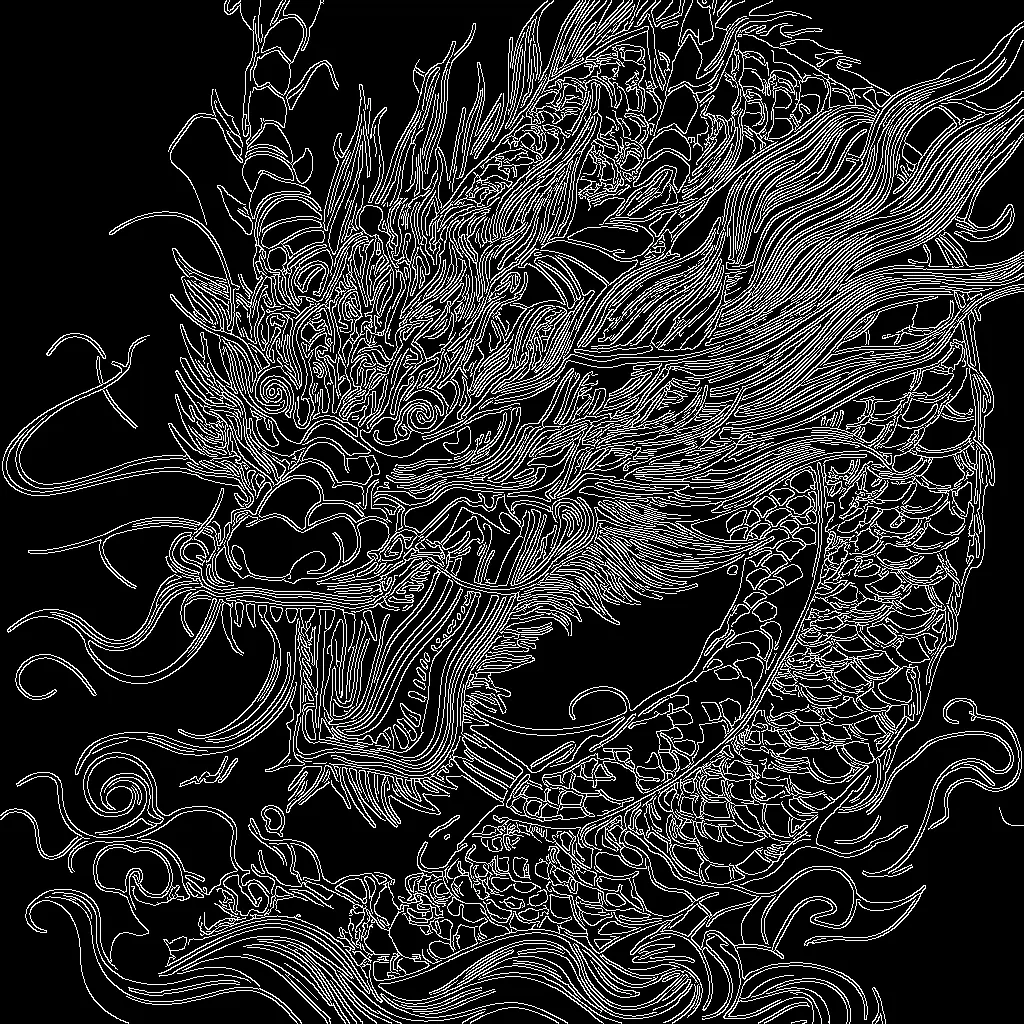

Este flujo de trabajo de ComfyUI utiliza el modelo SD 3.5 Large de Stability AI junto con un Canny ControlNet para generar imágenes que siguen la estructura de los bordes de una imagen de entrada. El pipeline carga el checkpoint SD 3.5 (CheckpointLoaderSimple) y el Canny ControlNet (ControlNetLoader), codifica tu prompt de texto (CLIPTextEncode) y extrae un mapa de bordes de alto contraste de tu imagen guía (Canny). El mapa de bordes se aplica como restricción estructural mediante ControlNetApplyAdvanced para que el KSampler pueda sintetizar contenido nuevo respetando los contornos y siguiendo tu prompt.
Técnicamente, el flujo crea un lienzo latente a la resolución objetivo (EmptySD3LatentImage), condiciona el modelo con tu prompt positivo más la guía de bordes ControlNet, y opcionalmente vacía el prompt negativo (ConditioningZeroOut) para simplificar. Tras el muestreo (KSampler), el resultado se decodifica a RGB (VAEDecode), se previsualiza (PreviewImage) y se guarda (SaveImage). ImageScale se incluye para ajustar el mapa de bordes Canny al tamaño de salida elegido y asegurar la alineación. Esta configuración es ideal cuando necesitas control compositivo fuerte—como mantener siluetas o contornos de producto—mientras SD 3.5 maneja el detalle, la textura y el estilo.
API
Usa este flujo de trabajo desde código
Cada flujo de trabajo de Comfy es un grafo JSON. El siguiente payload es este flujo de trabajo, exactamente como lo ejecuta ComfyUI: descárgalo desde la URL, guárdalo en control de versiones o cárgalo en ComfyUI y ejecútalo nodo por nodo.
Ejecuta desde TypeScript o Python con el Comfy SDK. El mismo código funciona en Comfy Cloud o en un ComfyUI propio: solo cambia la URL base.
// Install (beta)
npm i @comfyorg/sdk

// Run "ControlNet Canny grande SD3.5" (TypeScript)
import { Comfy } from "@comfyorg/sdk";

const client = new Comfy({ apiKey: "comfyui-..." });

// This workflow, exported in API format (see note below)
const wf = await client.workflows.fromFile("sd3.5_large_canny_controlnet_example_api.json");

const asset = client.assets.fromFile("input.png");
wf.setInput("45", "image", asset);  // LoadImage

wf.setInput("6", "text", "crystal pink dragon on a blue mystery sky, hyperdetailed");  // CLIPTextEncode

const job = await client.run(wf);
await job.getOutputs("9")[0].toFile("output.png");  // SaveImage
El SDK utiliza un flujo de trabajo en formato API: abre este flujo de trabajo en ComfyUI y usa Archivo → Exportar flujo de trabajo (API).
El acceso a la API de Comfy Cloud requiere un plan con clave API.
Preguntas frecuentes


















