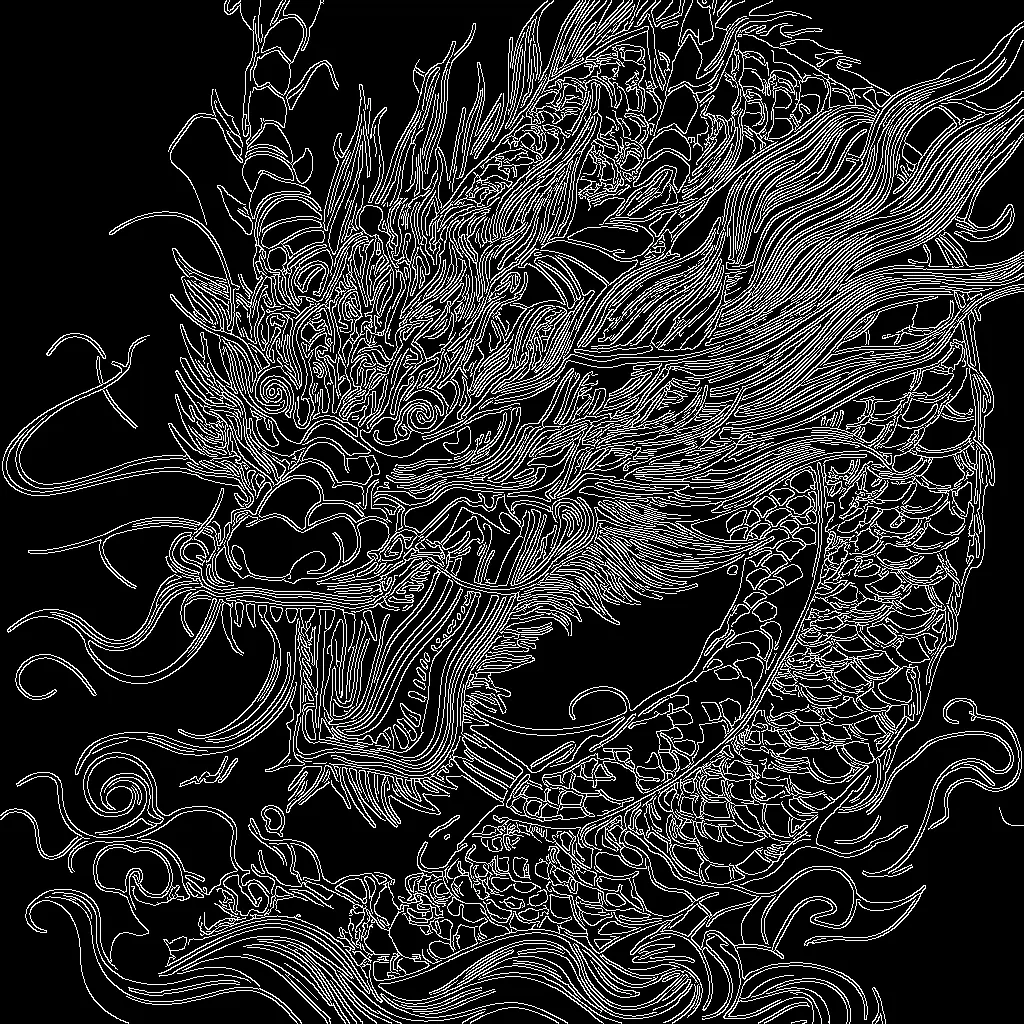

本 ComfyUI 工作流程採用 Stability AI 的 SD 3.5 Large 模型與 Canny ControlNet,根據輸入圖像的邊緣結構生成新圖像。流程會載入 SD 3.5 checkpoint(CheckpointLoaderSimple)與 Canny ControlNet(ControlNetLoader),將你的文字提示編碼(CLIPTextEncode),並從導引圖像提取高對比邊緣圖(Canny)。邊緣圖作為結構約束,透過 ControlNetApplyAdvanced 讓 KSampler 生成內容時能遵循輪廓,同時依照你的提示詞進行創作。
技術上,流程會在目標解析度建立潛在畫布(EmptySD3LatentImage),以正向提示詞與 ControlNet 邊緣引導條件模型,並可選擇性地將負向提示歸零(ConditioningZeroOut)以簡化流程。經過取樣(KSampler)後,結果會解碼為 RGB(VAEDecode)、預覽(PreviewImage),並儲存(SaveImage)。ImageScale 用於將 Canny 邊緣圖縮放至與輸出尺寸一致,確保對齊。此設計適合需要強大構圖控制(如維持輪廓或產品外型),同時讓 SD 3.5 處理細節、質感與風格。
API
從程式碼使用此工作流
每個 Comfy 工作流都是一個 JSON 圖。下方的 payload 就是此工作流,與 ComfyUI 執行時完全相同 — 你可以從此 URL 取得、放入版本控制,或在 ComfyUI 載入並逐節點執行。
使用 Comfy SDK 以 TypeScript 或 Python 執行。相同程式碼可用於 Comfy Cloud 或你自架的 ComfyUI — 只需更改 base URL。
// Install (beta)
npm i @comfyorg/sdk

// Run "SD3.5大型Canny ControlNet" (TypeScript)
import { Comfy } from "@comfyorg/sdk";

const client = new Comfy({ apiKey: "comfyui-..." });

// This workflow, exported in API format (see note below)
const wf = await client.workflows.fromFile("sd3.5_large_canny_controlnet_example_api.json");

const asset = client.assets.fromFile("input.png");
wf.setInput("45", "image", asset);  // LoadImage

wf.setInput("6", "text", "crystal pink dragon on a blue mystery sky, hyperdetailed");  // CLIPTextEncode

const job = await client.run(wf);
await job.getOutputs("9")[0].toFile("output.png");  // SaveImage
SDK 需使用 API 格式的工作流:請在 ComfyUI 開啟此工作流,並使用 檔案 → 匯出工作流(API)。
常見問題


















