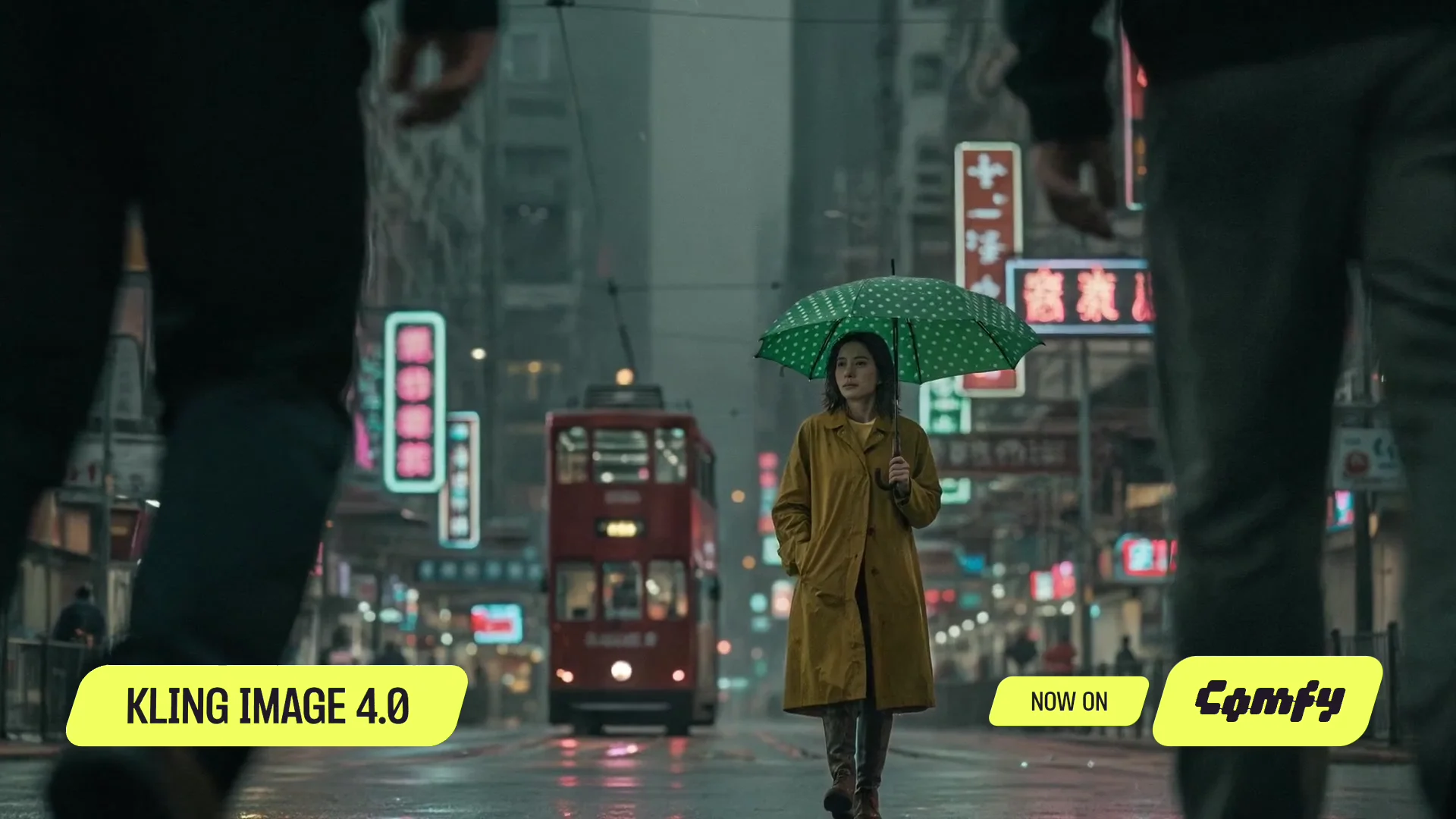
Text to Image
Partner Nodes
APIImageText to Image
Turn a written prompt into a finished image, from an editorial photo to an illustrated poster.
Create images from text, restyle reference photos, and turn a written brief into a long-form webpage mockup. Start with three ready-to-run ComfyUI workflows.
Turn a written prompt into a finished image, from an editorial photo to an illustrated poster.
Restyle a reference portrait’s hair, makeup, clothing, or setting.
Turn a section-by-section brief into one tall webpage mockup.
Access cloud-powered ComfyUI workflows with straightforward, usage-based pricing.
Billed monthly
What's included:
Comfy Agent
Custom builds
Generates ~380 5s videos*
Billed monthly
Everything in Standard, plus:
Comfy Agent
Custom builds
Generates ~670 5s videos*
Billed monthly
Everything in Creator, plus:
Comfy Agent
Custom builds
Generates ~1,915 5s videos*
Built for teams collaborating on workflows together.
Billed monthly
Generates ~13,405 5s videos*
Everything in Pro, plus:
Comfy Agent
Custom builds
Coming soon...
Need more members? Looking for more flexibility or custom features?
*Based on 5s videos created with the Wan 2.2 Image-to-Video template using default settings (81 frames, 18fps, 640x640, 4-step sampler)
Kling Image 4.0 is Kling AI’s model for generating and editing still images. It is separate from Kling’s video generation model.
Yes. The Image Edit workflow starts with a reference portrait. Use it to direct changes to the subject’s styling or surroundings.
No. The Long Image workflow generates a single image of a webpage design, not code or an interactive website.
Choose how you want to work.
Connect supported assistants to ComfyUI and use them to build and run workflows.