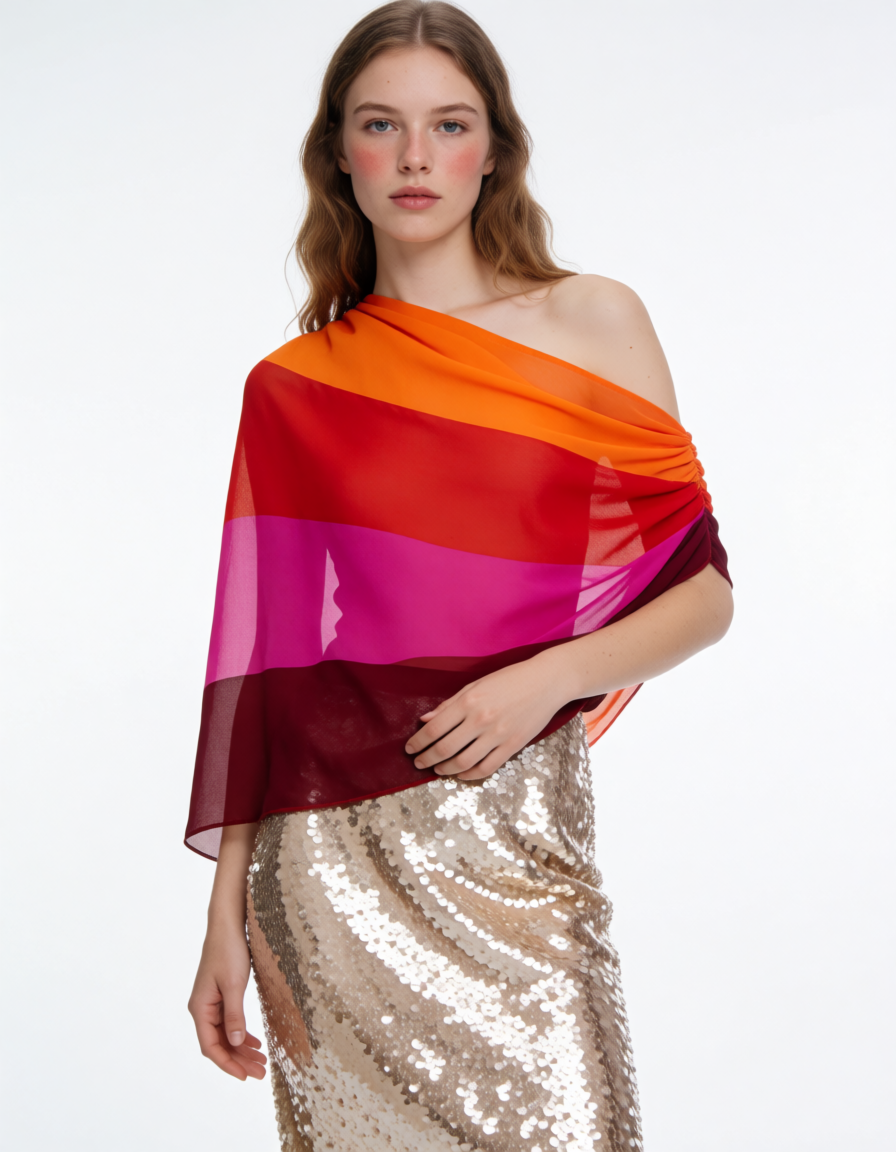
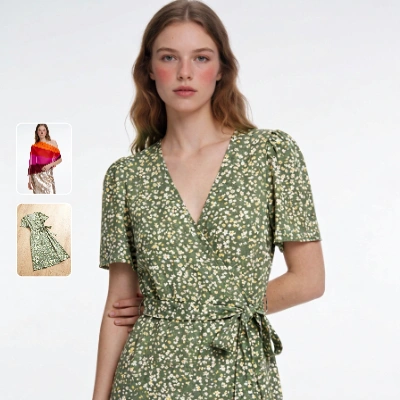
This workflow compares how different garment image types—flat-lay, mannequin, and on-model—perform in a virtual try-on using the Kling model. Two LoadImage nodes bring in a person photo and a garment image; the KlingTryOnNode then generates a realistic try-on while preserving the subject’s face and pose. The ImageCompare node assembles a side-by-side view of the original person photo and the generated try-on so you can visually judge fit alignment, drape plausibility, color/pattern fidelity, and identity preservation. SaveImageAdvanced stores both the try-on and the comparison output, and a MarkdownNote provides in-graph guidance.
To make this a fair comparison, keep the same person image while swapping the garment source across flat-lay, mannequin, and on-model product shots. Normalize garment framing and scale before each run so the KlingTryOnNode sees similar inputs. Expect trade-offs: flat-lay images are clean and easy to segment but offer fewer 3D cues; mannequin shots add structure without pose conflict; on-model shots carry natural drape cues but may introduce pose/shadow mismatches. The side-by-side ImageCompare output helps you quantify which input style yields the fewest artifacts for your catalog or campaign.
API
通过代码使用此工作流
每个 Comfy 工作流都是一个 JSON 图。下面的内容就是此工作流的完整数据,ComfyUI 运行时也是如此——你可以从该 URL 获取、放入版本控制,或在 ComfyUI 中加载并逐节点运行。
使用 Comfy SDK 从 TypeScript 或 Python 运行。相同代码可用于 Comfy Cloud 或你自托管的 ComfyUI——只需更改基础 URL。
// Install (beta)
npm i @comfyorg/sdk

// Run this workflow (TypeScript)
import { Comfy } from "@comfyorg/sdk";

const client = new Comfy({ apiKey: "comfyui-..." });
const wf = await client.workflows.fromFile("workflow_api.json");
const job = await client.run(wf);
await job.getOutputs("<output-node-id>")[0].toFile("output.png");
SDK 需要 API 格式的工作流:在 ComfyUI 中打开此工作流,使用 文件 → 导出工作流(API)。



















